Boss-Forge · Recruiting operations
Making recruiting session states visible
How Boss-Forge distinguishes sign-in readiness, confirmed browser contention, and an uncertain write in a recruiting operations console.
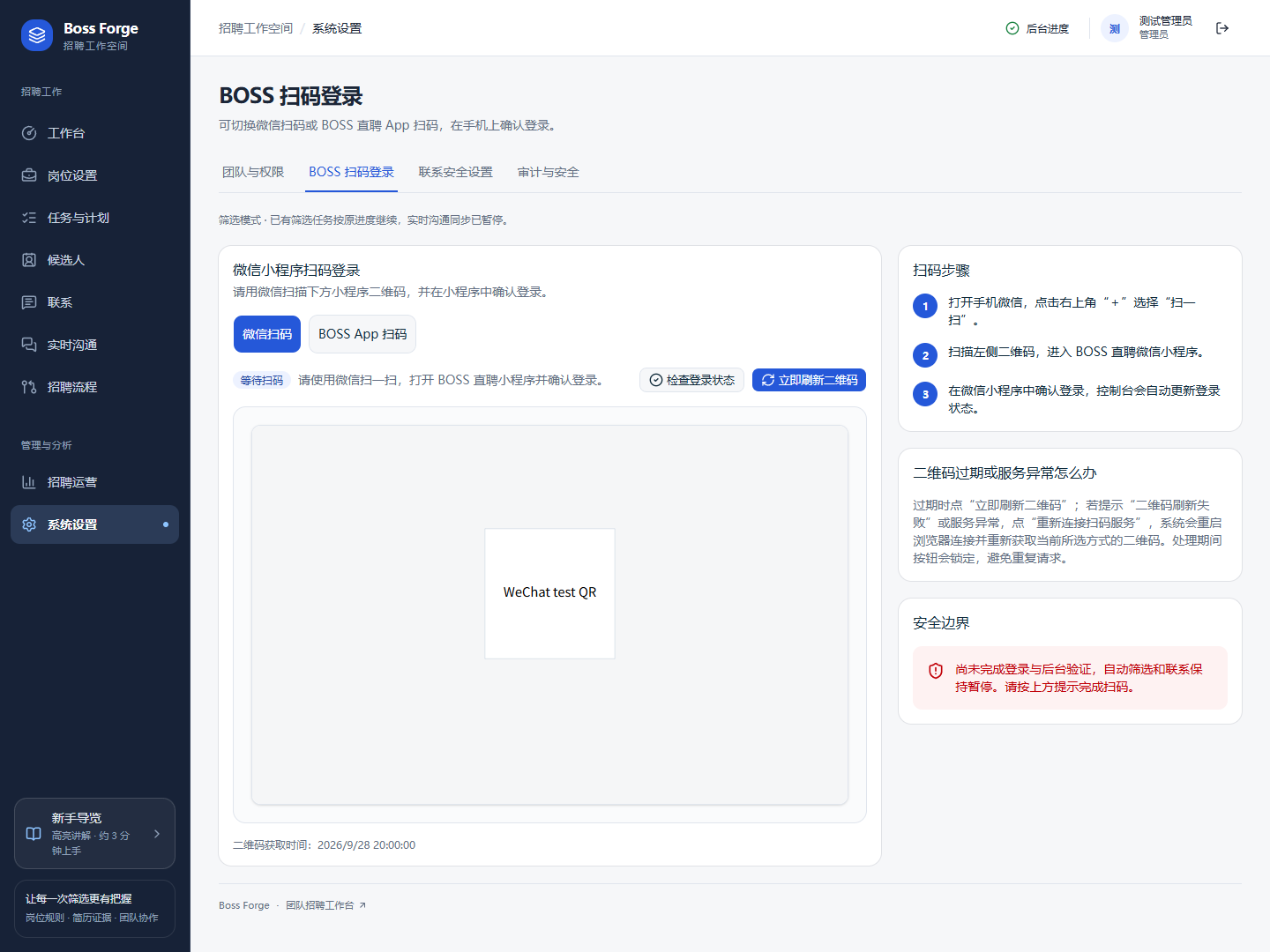
Show when the recruiting session is ready
Boss-Forge brings candidate review, conversations, and hiring follow-up into a recruitment workspace. Some work depends on the state of a separate recruiting session. The original console exposes its sign-in options and waiting state, along with actions that remain paused while access is unverified.
The browser fixture exercises an awaiting-scan state with a placeholder QR. It also verifies a switch to the alternate app sign-in method and checks that irrelevant QR content is removed for a state that no longer needs it. These checks can run against controlled responses. See the isolated browser fixture and the original console capture.
Distinguish waiting from an uncertain write
A confirmed busy browser creates a waiting state. Boss-Forge’s greeting request tests allow a subsequent attempt after an explicit busy response and stop the wait when the dialog is closed. The same tests check that a timeout, an unverified save, or an expired login does not repeat the request.
That distinction matters whenever a write could have taken effect without the interface receiving a usable response. Repeating it may perform the action twice. A confirmed busy response and an uncertain result therefore lead to different recovery choices. Read the greeting request tests.
- Waiting for sign-in
- Show the sign-in method and which actions remain paused.
- Confirmed busy
- Keep the user informed while the browser becomes available.
- Uncertain write
- Surface the unresolved result and avoid silently replaying the request.
Bind approval to a specific preview
Session readiness means an action can potentially run. A recruiter still needs to see the actual recipient and message they are about to approve. The manual contact preview tests check that the action kind, candidate, sending account, and message are shown together. They also check that an explicit acknowledgement is required for real contact.
Readiness and approval answer separate questions. Readiness answers whether the system can proceed. Approval answers which specific action a person has reviewed. Relevant changes require a fresh preview and acknowledgement. See the contact preview tests.
Review a change of recipient
Prepare a preview, check its recipient, then switch to a different candidate. The previous acknowledgement should no longer authorize the new contact. Review the fresh preview before the interface allows confirmation.